
Account
API, CLI & MCP
Three surfaces, one token type, one set of permissions. Whatever the dashboard can show you, an agent with the right scope can read — and nothing dangerous is reachable from any of them.
Create a token
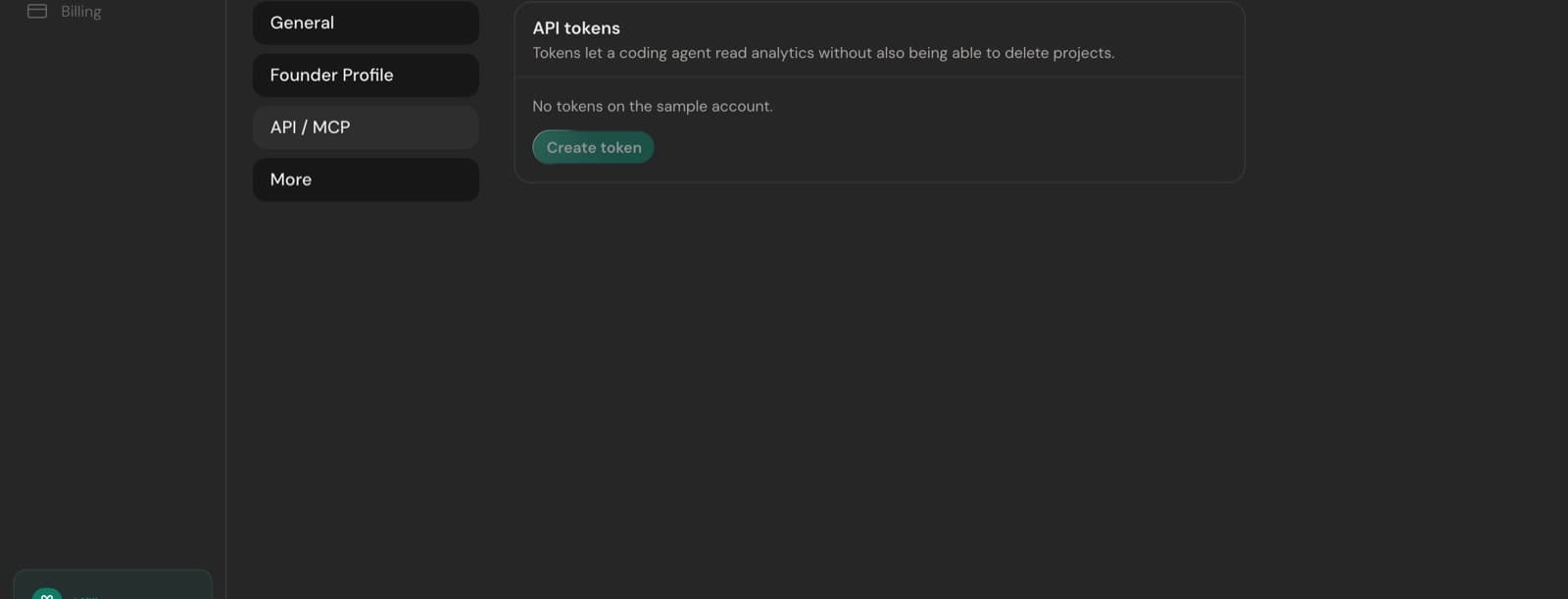
- 1Open Settings → API / MCP — at account level under Preferences, or inside a project's settings.
- 2Choose the websites in scope and the permission per resource.
- 3Name it after where it will live ("laptop CLI", "Cursor", "billing job") so revoking the right one later is obvious.
- 4Copy the
sei_secret. It is shown once — only its hash is stored.
Calling the API
curl https://www.seiton.online/api/v1/projects \
-H "Authorization: Bearer sei_xxx"- Base URL
https://www.seiton.online/api/v1, bearer auth, JSON in and out. - Every response is the same envelope:
{ "status": "success", "data": … }or{ "status": "error", "error": { code, message } }. - 60 requests per token per minute. A 429 carries
limit,remainingandreset. - Resources mirror the dashboard: projects, health, briefing, analytics, revenue, churn, SEO, signals, integrations, expenses, notifications and tokens.
| Code | Meaning |
|---|---|
| 401 | Missing or invalid token. |
| 402 | Trial expired — subscribe to continue. |
| 403 | The token lacks that permission, or the action is dashboard-only. |
| 404 | No such project, token or resource. |
| 429 | Rate limited. |
Some things stay in the dashboard
The three surfaces
REST API
Full endpoint reference, request and response shapes, and error codes.
CLI
seiton health, briefing, revenue, churn, seo — with --json for agents.
MCP server
Streamable HTTP at https://www.seiton.online/api/mcp for Cursor, Claude Code and Codex.
Briefing payload
What the briefing resource returns, and how it maps to the email you receive.
Each of those pages is also available as raw markdown for agents — the link is at the top of every one. Same content, no HTML to parse.
Keeping tokens safe
- Never put a
sei_token in frontend code or a public repository. - Scope down rather than up. A read-only token for one project is the right default for an agent.
- Revoke from the same panel that created it. A revoked token stops working immediately, on all three surfaces.
- Something went wrong with a token you cannot find? Troubleshooting covers the common cases.
Something here wrong or missing? hello@seiton.online